ChatGPT Usage Analytics: Reconcile Personal, Workspace, and API Data
By Shaig Khaligli · Updated · 7 min read

Open Workspace analytics (chatgpt.com/admin/usage) for team adoption, the API Usage Dashboard for tokens and costs, and Settings > Data controls > Export data for your own conversations. Which one you use depends on your account. Pick the console you can access, or request a personal export today. Exports take time, so start there.
TL;DR:
- Workspace analytics requires an analytics viewer, admin, or owner role; Users, GPTs, and Projects export as CSV for custom ranges up to 12 months.
- Task insights stay aggregated and cannot be exported, while SCIM groups with fewer than 10 members are excluded from some heat maps.
- Free, Go, Plus, Pro, and eligible Edu accounts can request personal exports; Business and Enterprise accounts must use another route.
- Exports can take up to 7 days, and download links expire after 24 hours; each archive is a snapshot, not live data.
- API reporting uses UTC and separates organizations, so reconcile each organization by project and compare per request token totals with dashboard aggregates.
Table of Contents
- Where can you find ChatGPT usage data?
- Which workspace analytics sections and metrics should admins use?
- How do you get personal ChatGPT usage data?
- What does API usage reporting include?
- How do credits and spend controls fit in?
- How do you export, combine, and analyze the data?
- What should teams do with usage analytics?
- How does TidyChats make your ChatGPT history easier to analyze?
- FAQ
- Sources
Where can you find ChatGPT usage data?
Each interface answers a different question. Choose by what you need to measure.
- Workspace analytics: the workspace-level view of adoption and trends for ChatGPT Enterprise and Edu, found under Workspace settings > Workspace analytics. Access is limited to analytics viewers, workspace admins, and workspace owners.
- API Usage Dashboard: organization- and project-level activity and costs. It uses UTC and lets you filter by project.
- Personal export: conversation-level detail for your own account, delivered as an archive you analyze locally.
- Desktop usage view: Work and Codex usage inside ChatGPT Desktop for eligible Enterprise and Edu members.
Check permissions first. If you cannot see a console, ask a workspace owner or admin for the right role.
Which workspace analytics sections and metrics should admins use?
The dashboard has seven views: Overview, Benchmarks, Impact, Task insights, Users, GPTs, and Projects. Use Overview for quick health checks. Use Benchmarks to compare adoption signals. Impact shows optional in-product survey outcomes. Task insights classify conversations into broad categories without exposing individual prompts.
Core metrics to track:
- Unique active users
- Total messages
- GPT messages and tool messages
- Project, app, and skill trends
- SCIM-group breakdowns, when configured
Export formats: Users, GPTs, and Projects reports export as CSV, with custom ranges of up to 12 months that cannot end after the current date. Task insights reports are not currently exportable.
Privacy is built in. Task insights stay aggregated, and SCIM groups with fewer than 10 members are excluded from some heat-map views. Plan your reports around aggregated data, not individual surveillance.
How do you get personal ChatGPT usage data?
You get a personal export, not a live dashboard. Free, Go, Plus, Pro, and eligible Edu accounts can use this route. Business and Enterprise accounts cannot use the same process.
- Sign in to ChatGPT and open the profile menu.
- Choose Settings > Data controls > Export data.
- Confirm the export.
- Download the ZIP from the email or SMS notification. Exports can take up to 7 days, and the link expires after 24 hours.
- Analyze the archive locally, for example in a spreadsheet.
The archive holds chat history and other account data. It is a point-in-time snapshot and cannot restore chats you already deleted.
Eligible Enterprise and Edu members can also open Settings > Usage & billing in ChatGPT Desktop. Personal Analytics summarizes turns, tokens, credits, models, and top-consuming chats. A workspace admin must enable it before members can install it.
What does API usage reporting include?
The Usage Dashboard shows current and past billing periods, filters by project, and lets you inspect an individual user's Responses and Chat Completions usage. It does not combine data across organizations, so multi-organization reporting needs separate collection.
Field names depend on the endpoint:
- Chat Completions: usage.prompt_tokens and usage.completion_tokens
- Responses: usage.input_tokens and usage.output_tokens
- Both: usage.total_tokens
For streaming Chat Completions, set stream_options.include_usage to get final usage in an extra chunk. Interrupted streams may omit that chunk, so expect gaps.
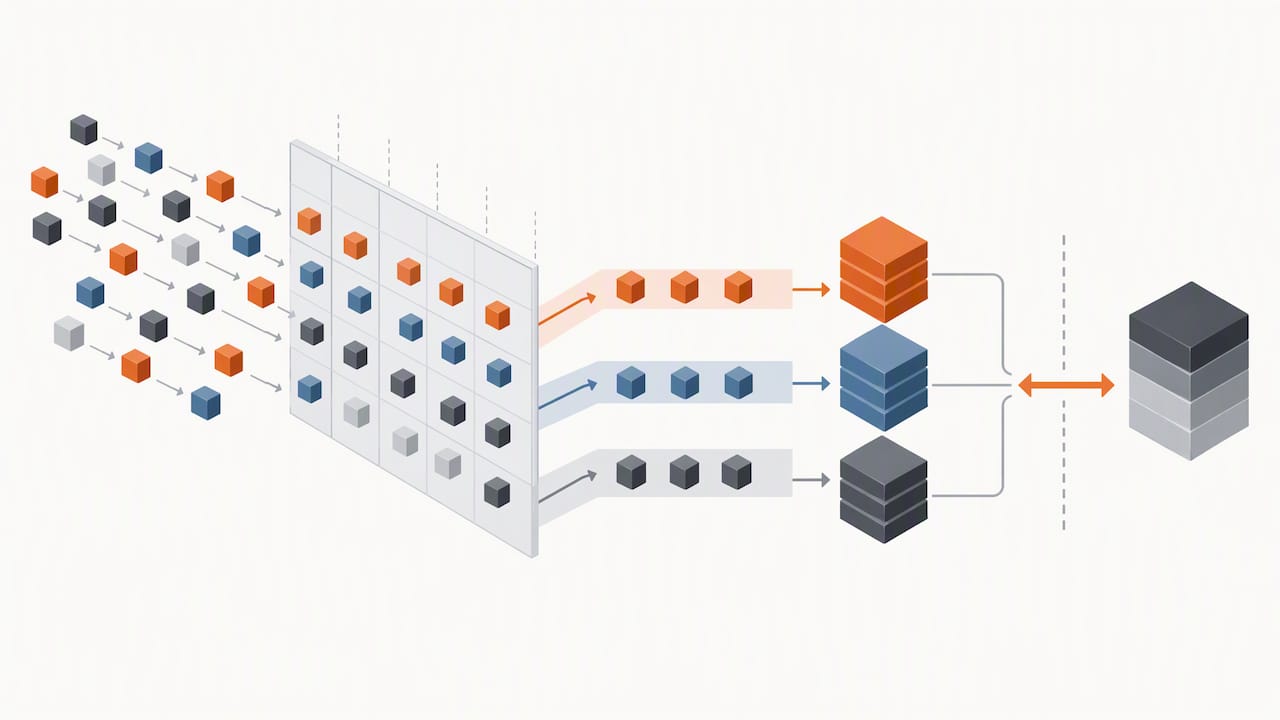
To reconcile, align your application logs to UTC, keep project ownership stable, and compare the sum of request-level tokens against dashboard totals.
How do credits and spend controls fit in?
Credit analytics matter most when costs rise. In ChatGPT Desktop, the Work and Codex view shows monthly limits, credits used and remaining, reset information, and 7-day or 30-day periods. It also offers credit history and token history, grouped by surface, model, reasoning, or speed.
What to track:
- Credits used against the monthly limit
- Credit history, grouped by the available usage dimensions
- Top-consuming chats and projects
- Messages and active users next to credits
Admins can review usage patterns for projects or GPTs that appear to have high consumption.
Pro Tip: When a sampling notice appears on a category or task view, do not scale the displayed counts to estimate total workspace activity. Read credit share together with absolute credits and messages.
How do you export, combine, and analyze the data?
Follow this workflow to build one reconciled report.
- Identify which source you can access: workspace analytics, personal export, or the API Usage Dashboard. Generate or request the export.
- Record UTC timestamps and consistent project and user identifiers before you join any CSVs.
- Join per-user and per-project CSVs. Reconcile totals against dashboard aggregates using per-request token fields.
- Note sampling notices, export delays, and SCIM-group exclusions. Document them in the report.
| KPI | Where it comes from |
|---|---|
| Unique active users | Workspace analytics Users export |
| Messages per user | Remove this KPI because the supplied facts do not establish that the Users export provides it |
| Credits per project | Remove this KPI because the supplied facts do not establish that the Projects export or credit history provides it |
| Top-consuming chats | Personal Analytics in ChatGPT Desktop |
What should teams do with usage analytics?
Combine both layers. Workspace analytics tell you who is adopting ChatGPT and how. Request-level API checks tell you what it costs and whether the totals add up. Neither replaces the other.
Set a reporting cadence, such as monthly, and assign one owner for it. Write down known data limits in every report. Keep the data aggregated, because adoption signals do not need individual prompts to be useful.
Shaig
How does TidyChats make your ChatGPT history easier to analyze?
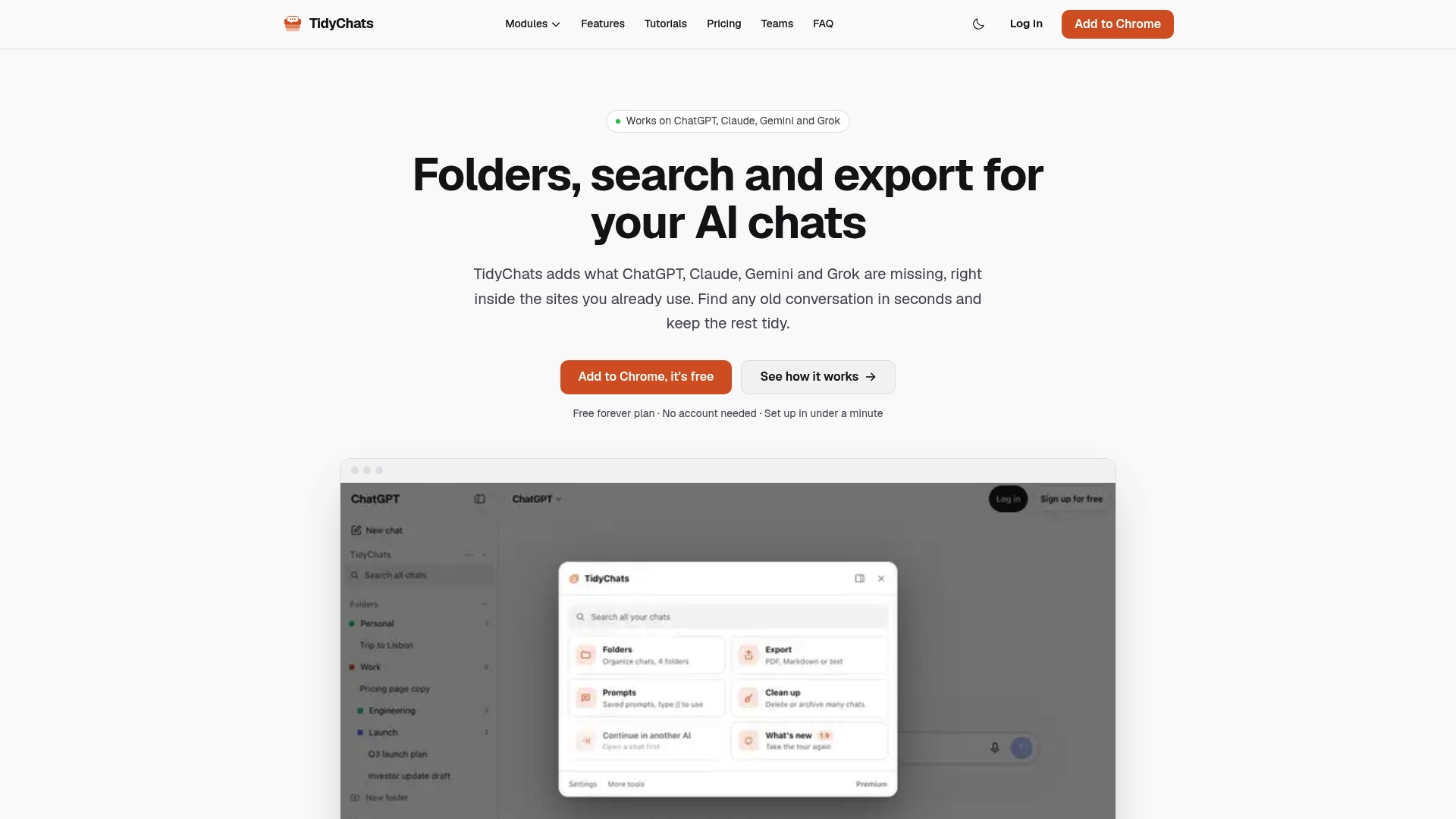
Official exports give you an archive. We give you a workspace for the chats themselves. TidyChats offers a way to organize and review personal ChatGPT history. Check its product details to see which storage, search, and export features are available. If you need to find a chat that standard history search misses, read how to search your ChatGPT history.
Start on the Free plan. Heavier users can move to Premium at $6.99 per month, or $49 per year. Premium Lifetime is $99 one-off. Teams is $12 per month per seat. Install the TidyChats extension for ChatGPT and open your first folder today.
FAQ
Can I see ChatGPT usage stats for my personal account?
Yes, through an account export. Go to Settings > Data controls > Export data and analyze the downloaded archive. There is no live personal dashboard, so treat the export as a snapshot.
How long does a ChatGPT data export take?
Exports can take up to 7 days, per OpenAI's export guide. The download link expires after 24 hours, so download the ZIP promptly.
Who can open workspace analytics?
Analytics viewers, workspace admins, and workspace owners can open it. Go to Workspace settings > Workspace analytics. If you lack access, ask an owner to assign a role.
Why do my API dashboard totals not match my logs?
The most common cause is a time mismatch. Dashboard data uses UTC, so convert your application logs to UTC first. Then compare request-level token fields against dashboard totals, project by project.
Sources
- Workspace analytics for ChatGPT Enterprise and Edu | OpenAI Help Center
- Help
Recommended
Try TidyChats free
Folders, search and prompts for ChatGPT, Claude, Gemini and Grok.